Exercise 2.1 – Zoom
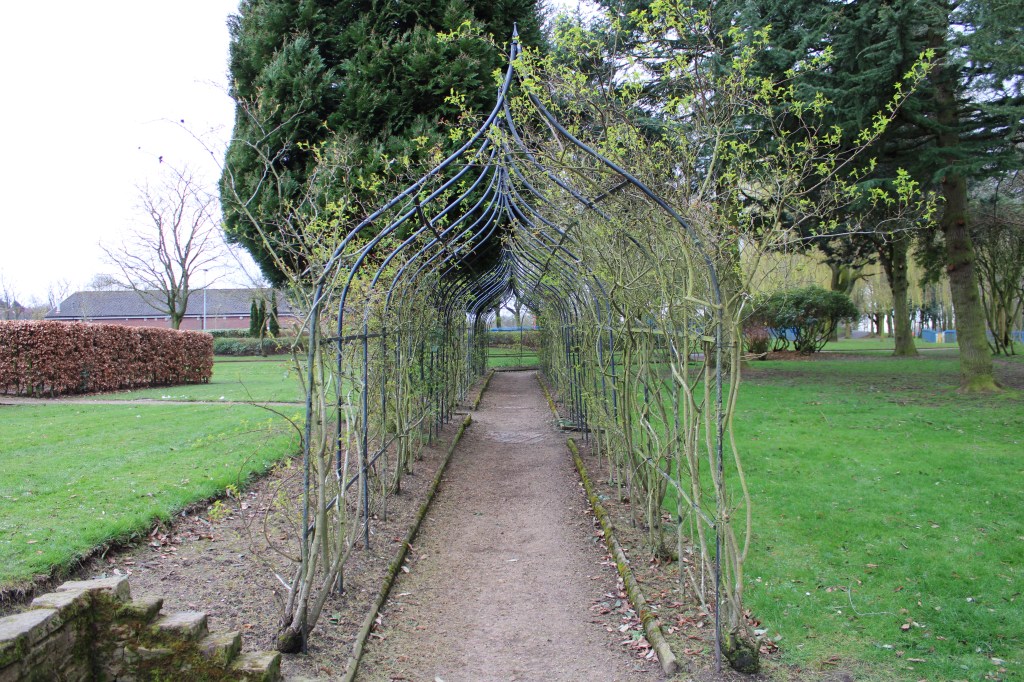
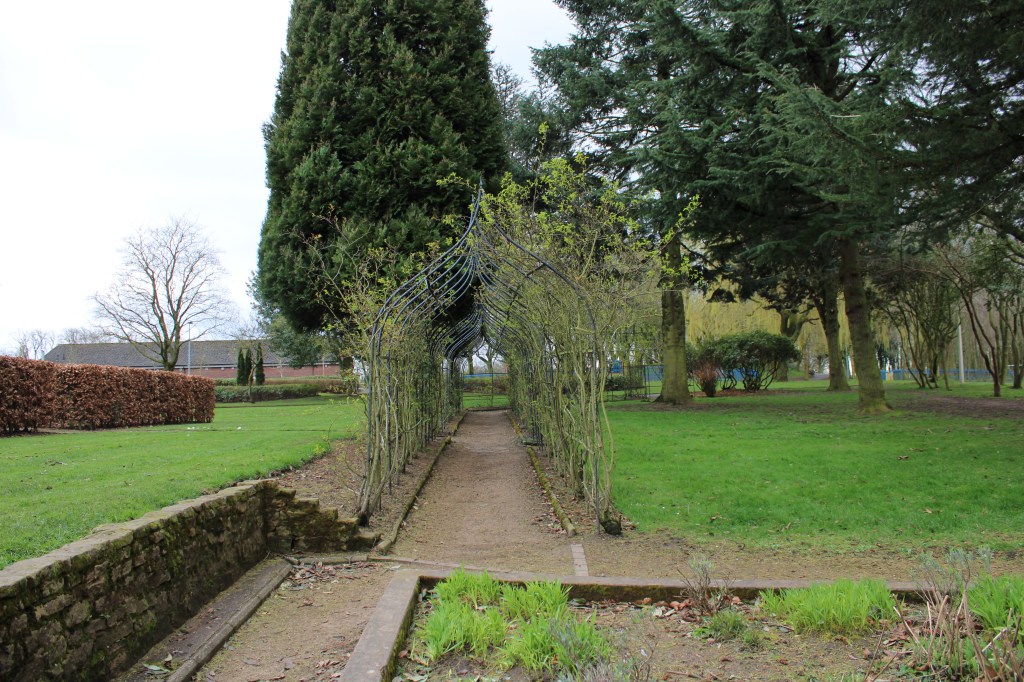
The brief for this exercise was to take a sequence of shots of a scene that has depth, using different focal lengths without changing your viewpoint.
For my location I found a really nice archway in my local park, which had a lot of depth. I kept my viewpoint and framing the same, beginning with keeping the longest focal length. I was standing relatively far away for both shots to get the whole view in of the archway and was zoomed in to 35mm. I then zoomed out and took another shot. I particularly liked the second shot as it seemed to enhance the depth of the archway and make it seem longer. As well as this I used an aperture of f/8 to get a deeper depth of field. The negative space either side of the archway also added to the whole image.
My Final Images
Exercise 2.2 – Viewpoint
Brief – Select your longest focal length and compose a portrait shot fairly tightly within the frame and take a photograph. Then walk towards the subject while zooming out to the shortest focal length.
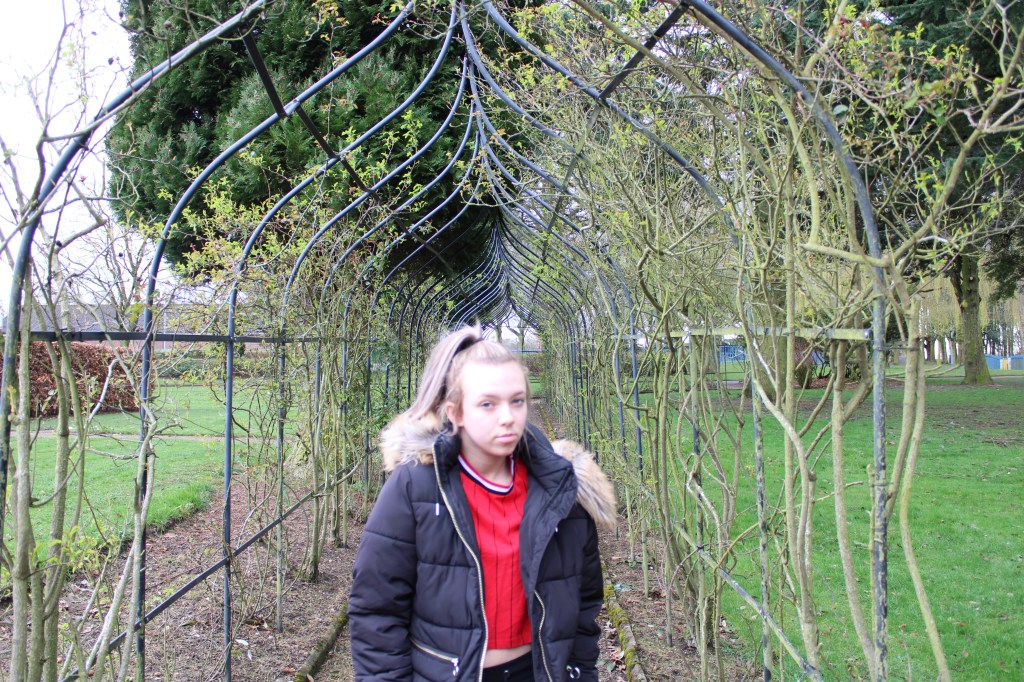
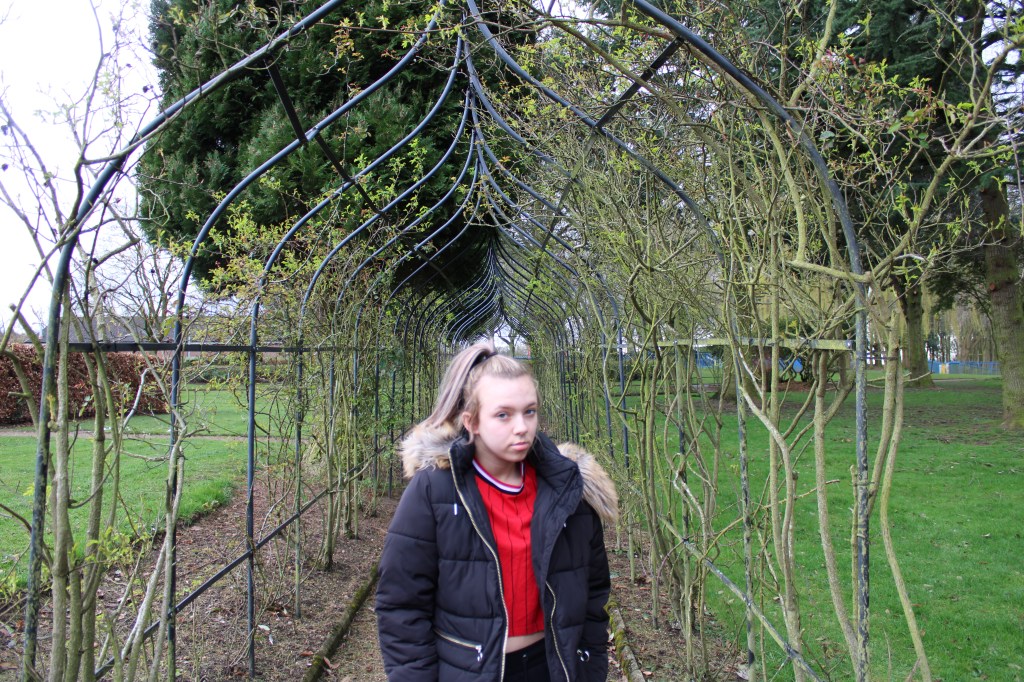
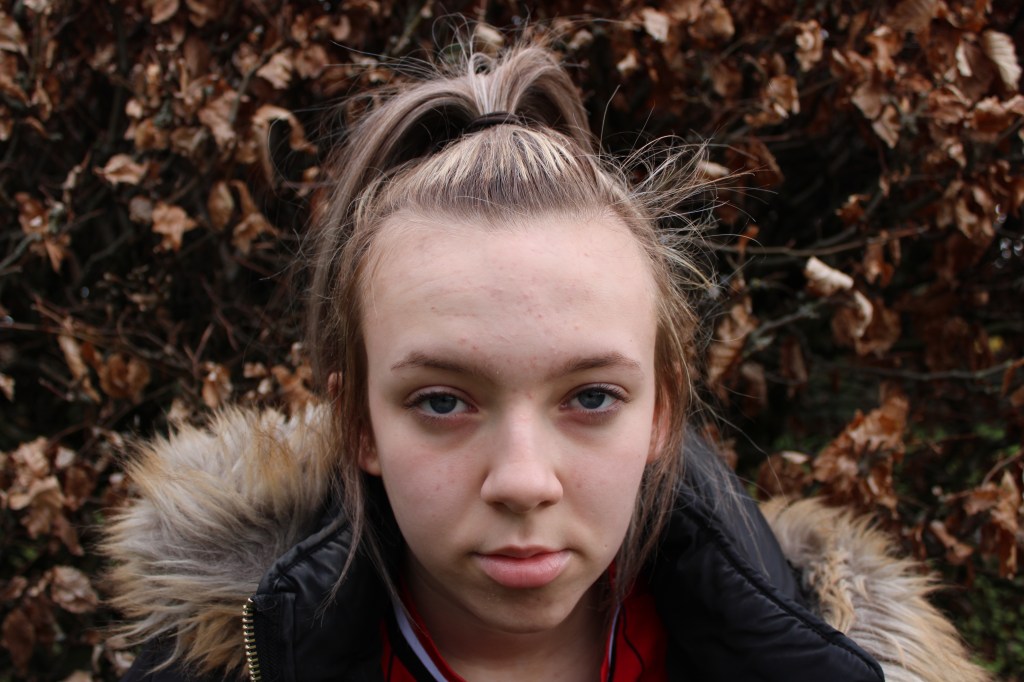
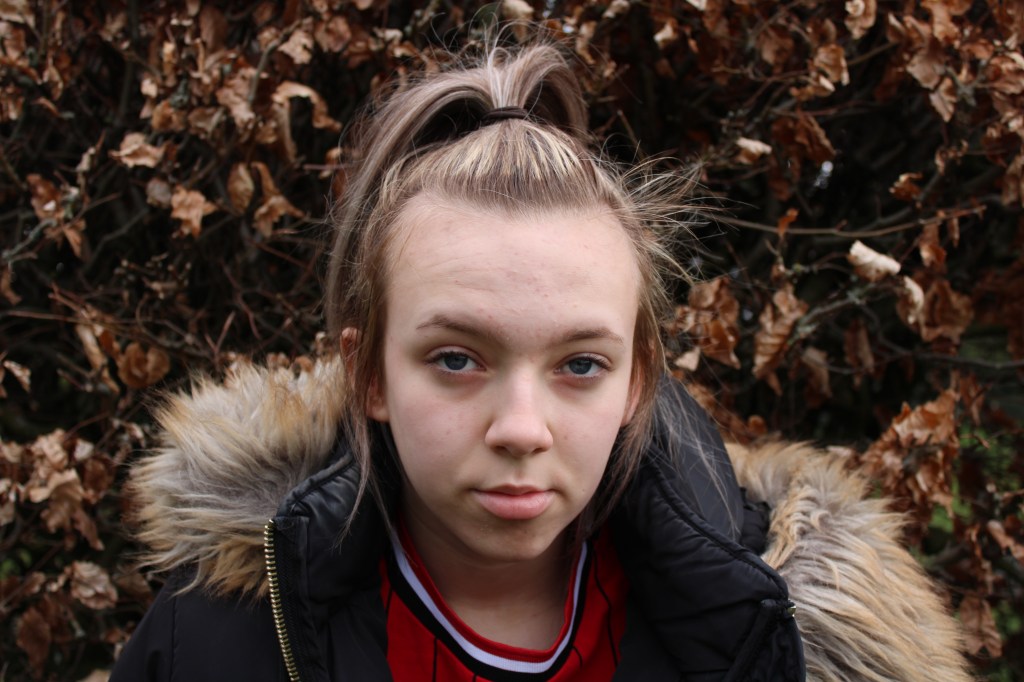
Using the longest focal point I took one picture in front of my background with depth, zooming in to 35mm. Then whilst walking closer to the subject and zooming out o my shortest focal length I took another picture. Looking at them afterwards they do look fairly similar. I would definitely compose them differently if I was to do this task again, as the first shot came out a little too saturated, although it was a fairly tight shot. When comparing the two shots it’s hard to tell the difference in focal lengths, however I think the images do portray the brief of depth well.
Exercise 2.3 – Focus
Brief – Find a location with good light for a portrait shot, place your subject some distance in front of a simple background, use a wide aperture together with a long focal length. Compose a headshot comfortably, focus on the eyes.
I found a simple background, a large hedge with brown leaves to help keep the focus on the subject and began taking multiple shots. We also used natural light for these shots, it wasn’t a sunny day but it was dry and bright so the lighting was good, as well as having the flash on. For my shots I used a wide aperture of f/1.4 and my longest possible focal length, I stood an arms length away from the subject and took several shots.
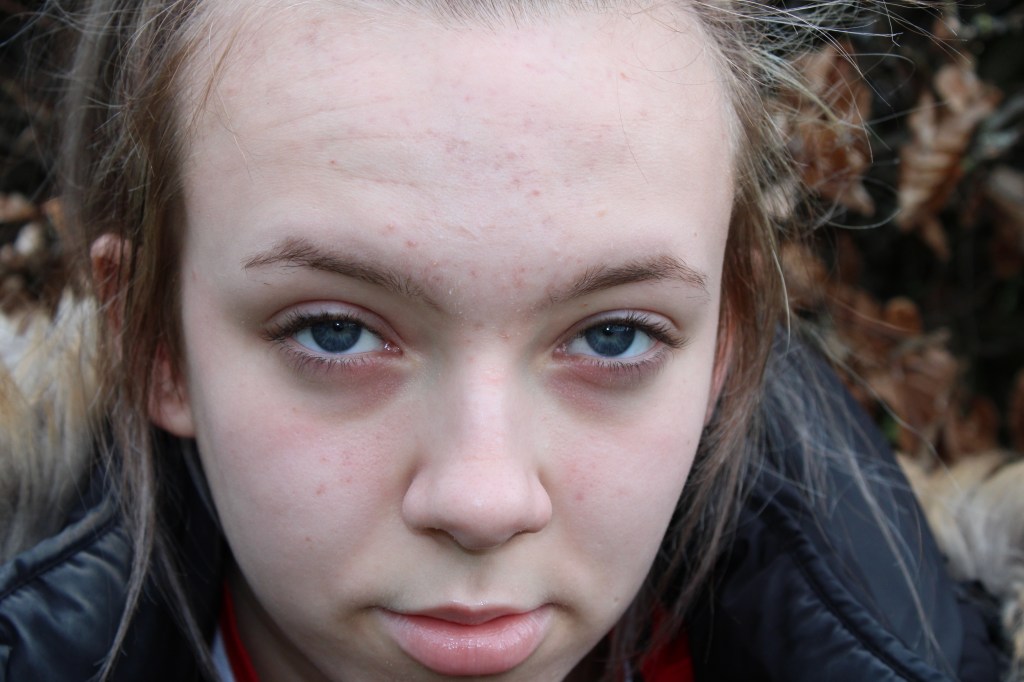
I particularly liked this first shot as it really focuses on they eyes which was the main aim of the exercise. You can see her eyes are a nice piercing blue.
Final Image
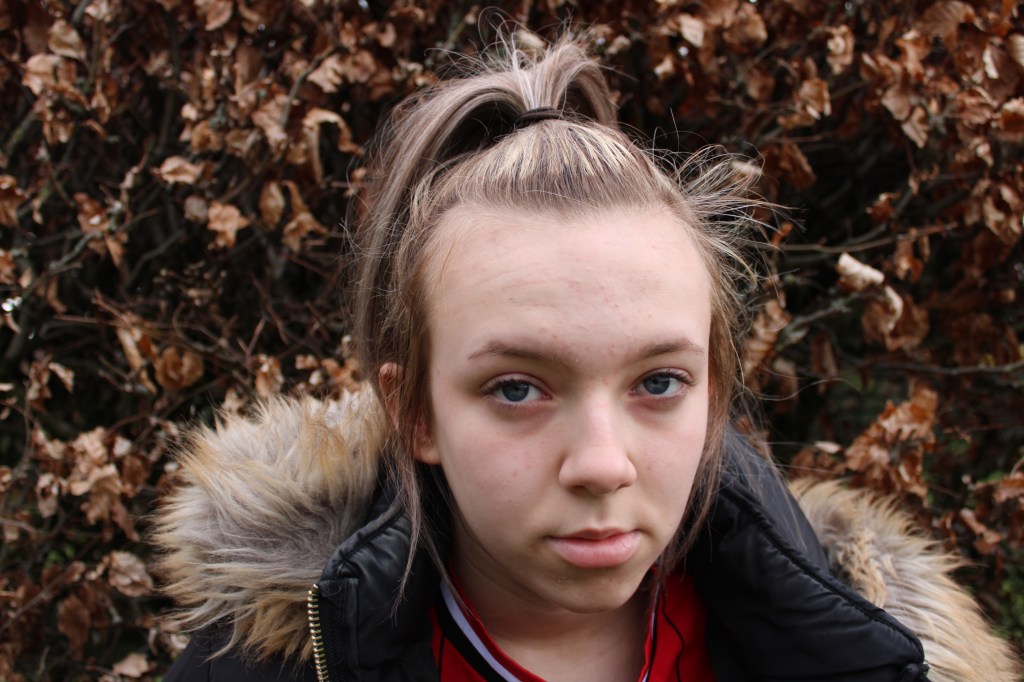
I chose this as my final image because it’s a crisp headshot where you can clearly see her features, the viewer is drawn to her eyes and the background isn’t a distraction. I do think the lighting could’ve been better, if I did it again I would choose a higher ISO or play around with the aperture.
Exercise 2.4 – Woodpecker
Brief – Find a subject in front of a background with depth. Take a close viewpoint and zoom in, focus on the subject and take a single shot. Then without changing the focal length or framing, set your focus to infinity and take a second shot.
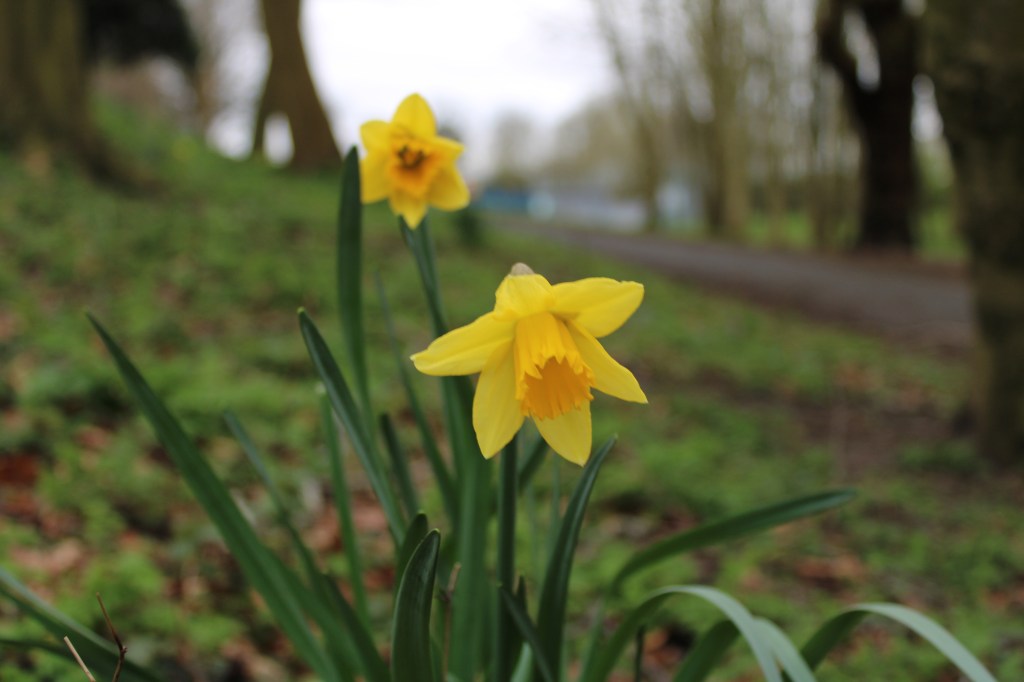
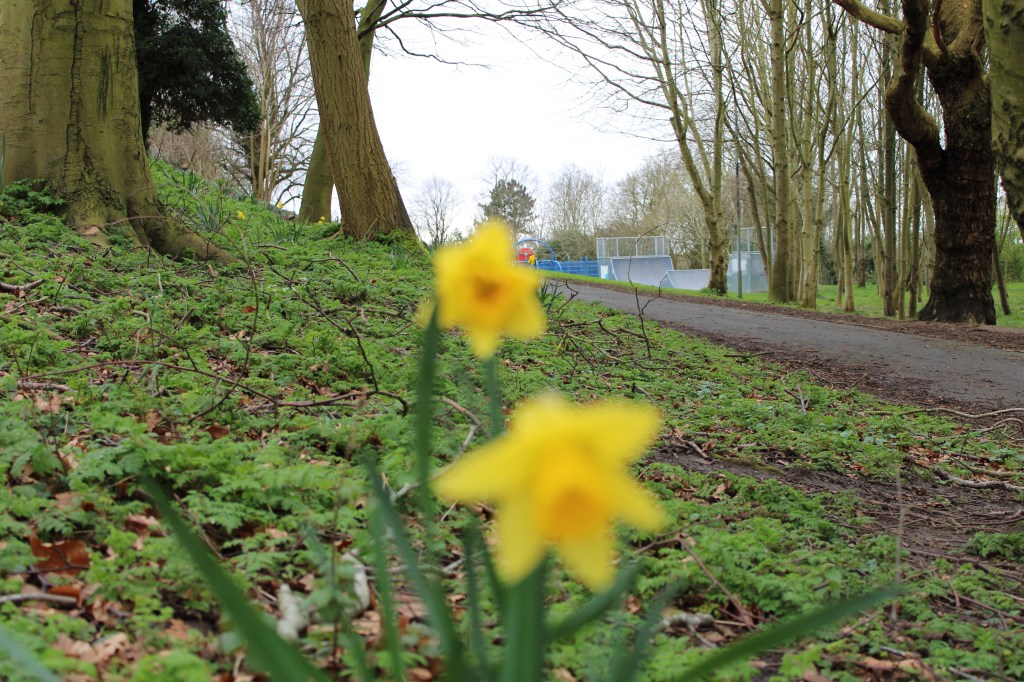
For this exercise I used daffodils, first focusing on the subject while zooming in and taking a picture. After this I set my focus to infinity and took another shot. The first image came out really nicely, with a crisp focus on the daffodil it’s a nice colourful shot. However it has quite a shallow depth of field, taken with an aperture of f/2. The eyes are drawn straight away to the colourful petals but there’s nowhere for them to go afterwards as the background is a blur.
With the second shot it looks a little more dynamic, at first glance the viewer is drawn to the large blur in the centre of the frame. But the eyes are drawn straight past this blur and to the path in the background which creates a sense of depth in the shot.
I think in a way this gives the viewer more to look at. With the first shot it ends suddenly because of the blurry background but when looking at the second shot you can look straight past the daffodil and down the path in the park.
 OCA Photography Expressing your Vision