Exercise 4.1 – Daylight
Brief – Taking a photographer of choice as a starting point, shoot a number of photographs exploring the quality of natural light.
For this exercise I was waiting for a bit of sun, being in the UK meant it was a longer wait than I expected. My first thought after reading the brief was to wait for the sun, I thought it would make the best picture as the exercise is based on daylight, rather than just photographing a cloudy sky. I just waited for the right moment where I could look up and see something I wanted to photograph.
When choosing a photographer for a starting point I looked through the photography of Sally Mann, Eugene Agtet and Michael Schmidt and was particularly fond of Mann’s photos. Her landscapes all included trees and were taken in secluded, empty places. This was somewhat the starting point for my exercise as the place I took my pictures didn’t include any people and included the trees in the empty car park.
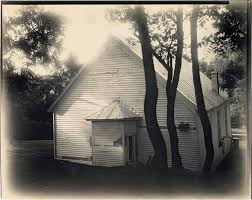
The above image is from Sally Mann’s ‘A Thousand Crossings’. Curated by Sarah Greenough and Sarah KennelJune 18 – September 22, 2019
I did then also look into Michael Schmidt’s landscapes, to see how they compared. He would shoot thousands of frames for each project without thinking too much about the end result. As well as this, he was drawn to series over single images, atmosphere over documentary representation. Schmidt’s landscapes were also quite secluded and had a lack of civilisation which was something I was really drawn too.
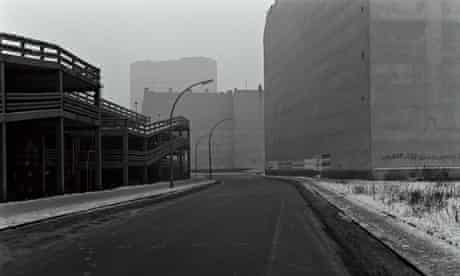
My selection of Images
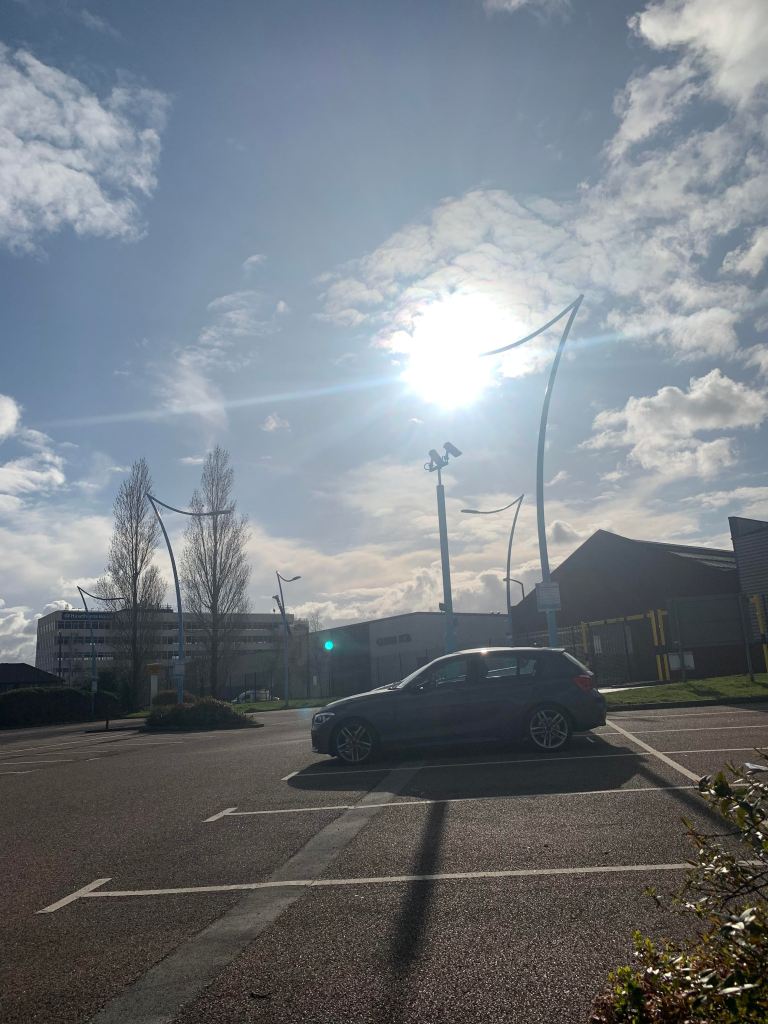
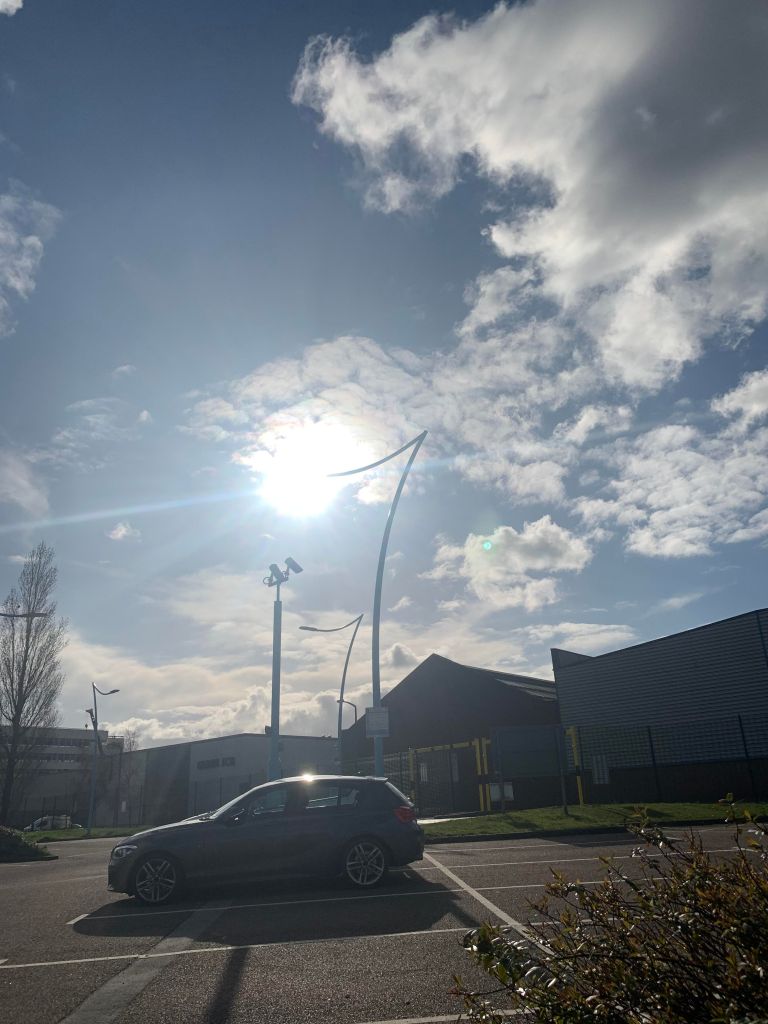
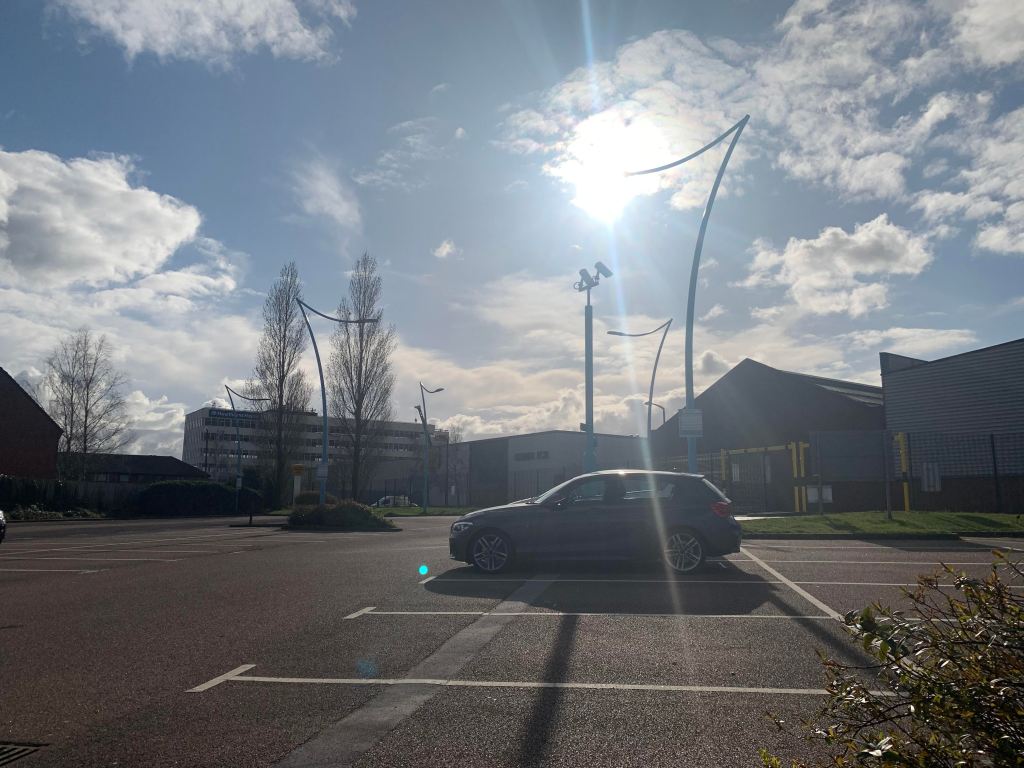
When I sat in the car park at the train station I just happened to look outside and I automatically wanted to photograph the sky. I liked how the sun was peeping out from behind the clouds, and the shadows it left on the floor. I took multiple shots but these few were my favourite, I took a few that were portrait and a few landscape, and particularly wanted to include the last image because of the glare the sun left, as if you were to look towards the sun and squint.
Unfortunately these shots were in fact taken on my iPhone XS, which definitely wasn’t my plan, but I didn’t want to miss the opportunity to take these shots. After looking at how the shots came out I decided to use them in this exercise, as I felt it showed daylight beautifully.
Exercise 4.2 – Artificial light
Brief – Capture ‘the beauty of artificial light’ in a short sequence of shots. Try to describe the difference in the quality of light from the daylight shots.
For this exercise we had the option to shoot indoors or outside. I was torn between the two so I actually did a bit of both, but more from outside. Despite being in lockdown and not being able to go and get creative shots outdoors, we actually have a lot of artificial light in our garden, from solar lights to fairy lights. So I picked a number of artificial light sources in my house and shot them with different focal lengths and viewpoints.
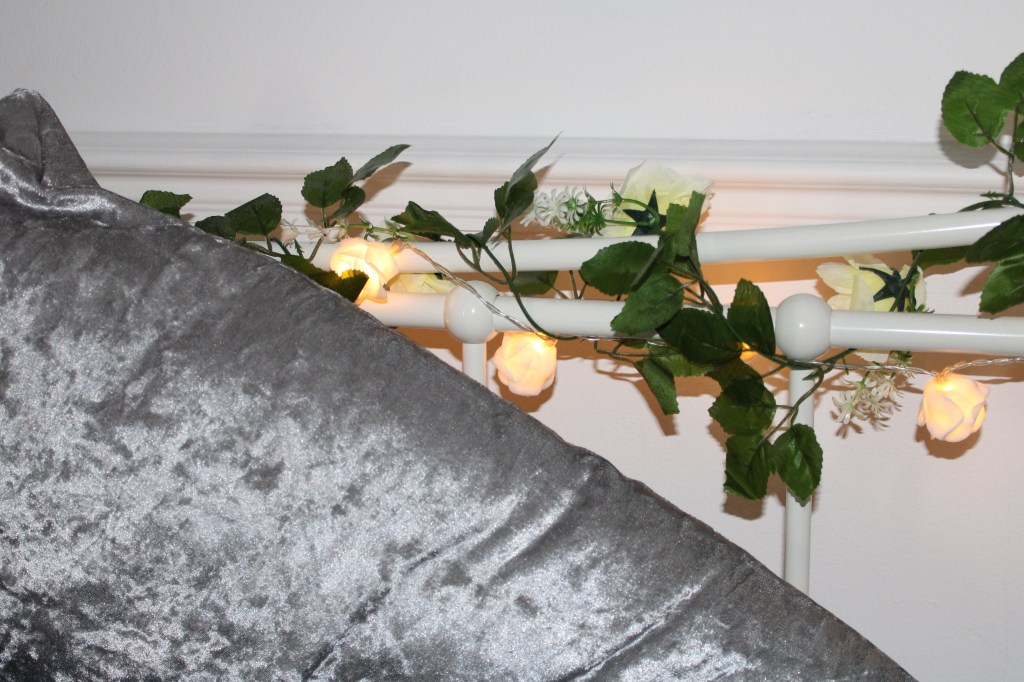
I began inside my house with shooting the fairy lights in my bedroom, something I have always been very fond of as it adds a sense of warmth in the evenings. I shot with the flash on while it was still dark out and you can see the warmth of the gold in the lights. This is something I never got from my daylight shots.
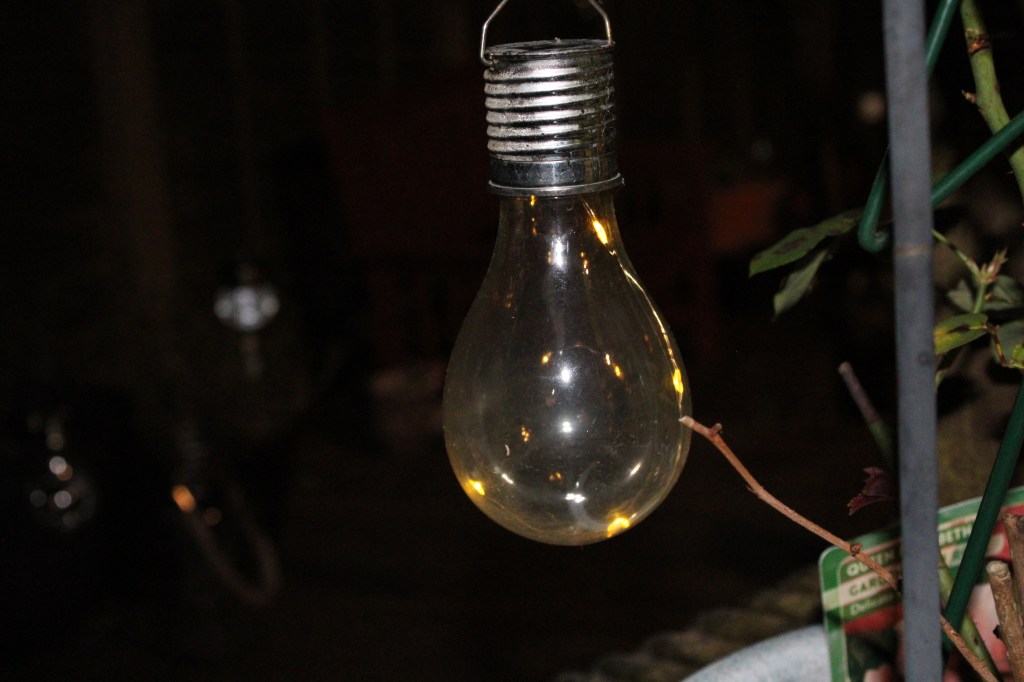
Then going outside, all these shots needed a really high ISO. I focused first on the solar lights, we have quite a lot of them so the garden looks truly magical at night.
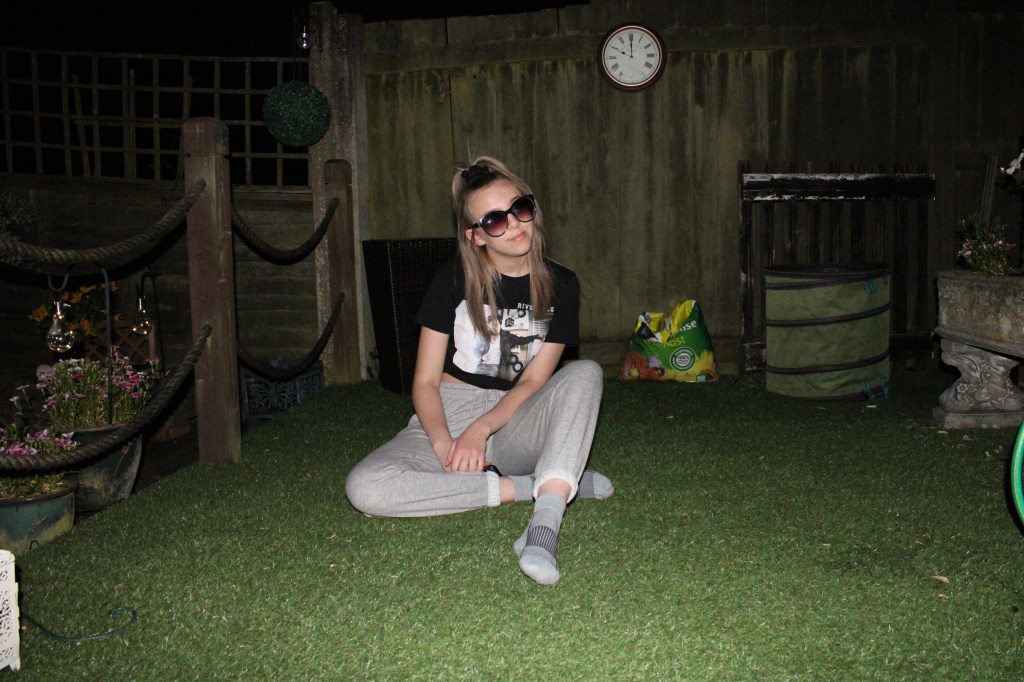
We then did a little photoshoot, some shots with the outside lights on and some with it off. The one above is my chosen shot from when the outside light was off. Comparing to the next shot when the light was on, it has a darker atmosphere and creates a completely different vibe.
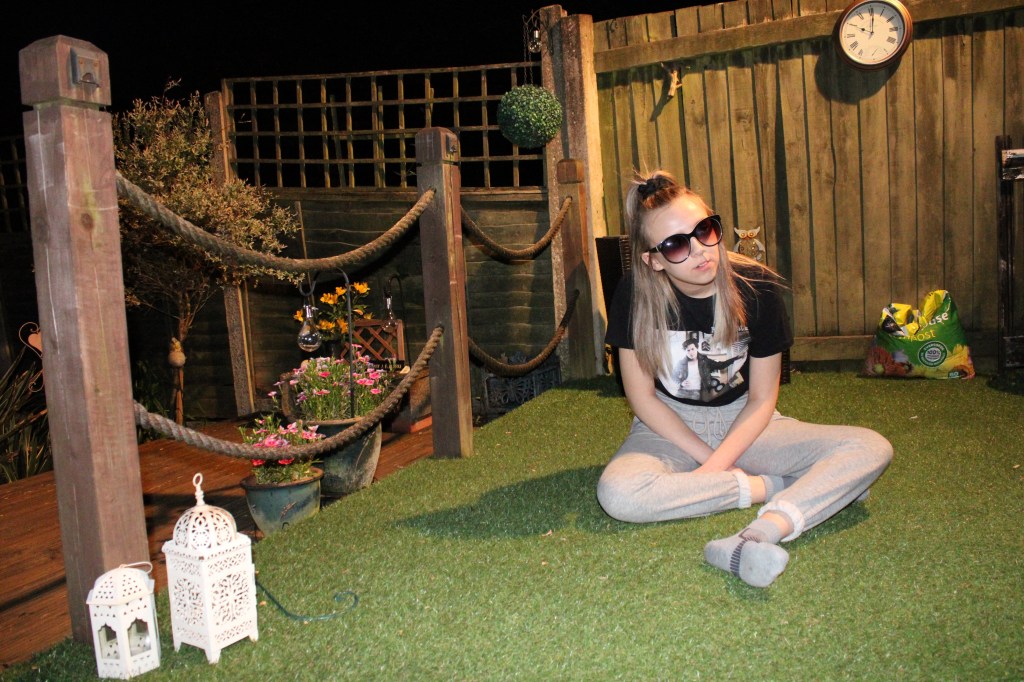
I do prefer the shots with the light on, whilst you can still see that it’s night-time, a lot more of the background and surroundings are visible which I think adds to the image.
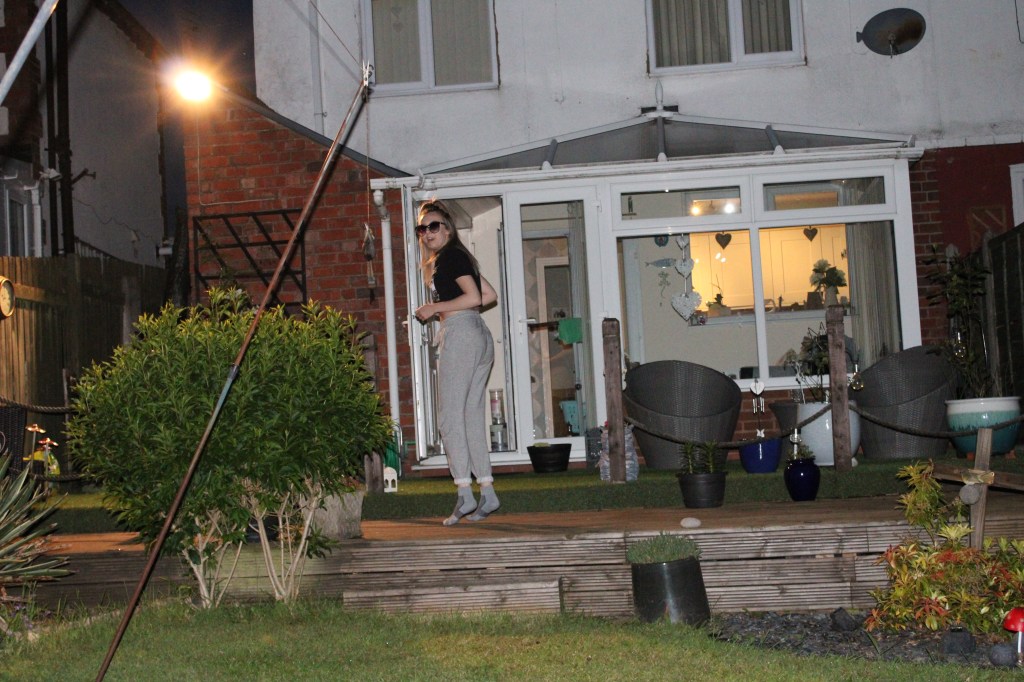
The last shot is one I was hesitant to post as it wasn’t really a serious attempt at getting a shot. However I wanted to add it in the end just to finish up as I thought it captured our outdoor artificial light quite well. The outdoor light was on and the light from the kitchen clearly visible in the back, which is what I liked.
When comparing the images in this exercise to those in exercise 4.1, both sets of images were bright, however the first set were a lot more natural. This set of images are a lot more saturated and give more of a warmth tone as a lot of the artificial light was golden. I enjoyed these exercises as comparing the two types of light was really interesting and got me to look into them deeper.
Exercise 4.3 – Egg or stone
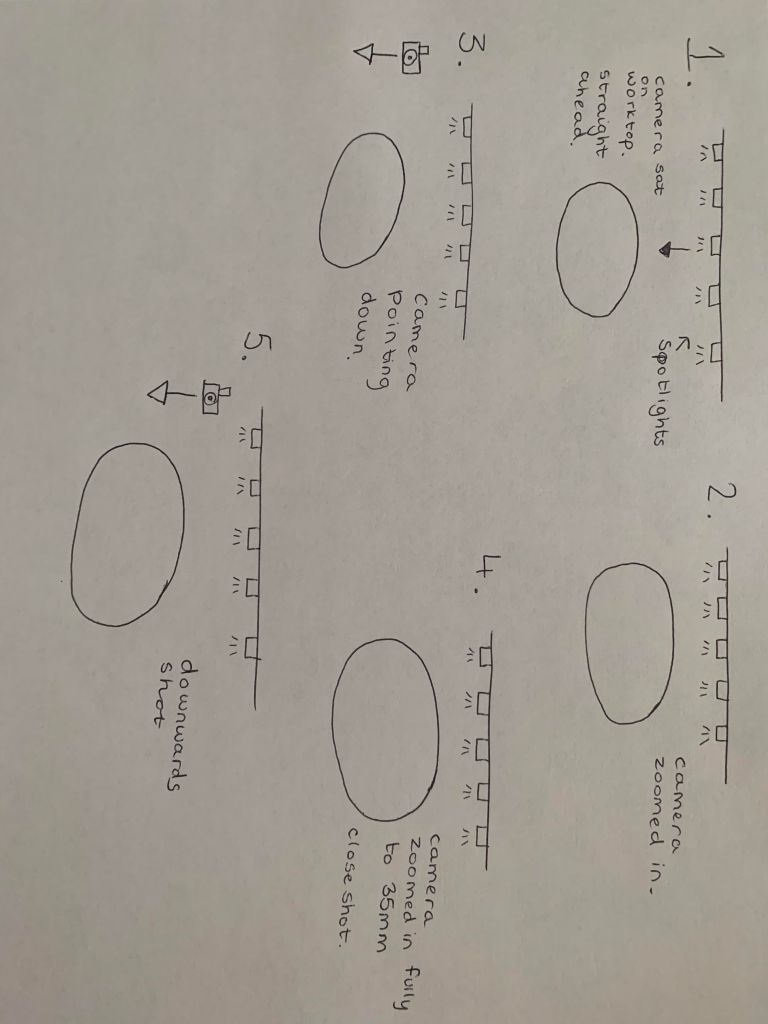
Brief – Choose a natural or organic object such as an egg or stone, take some time to set up the shot. Aim for four or five unique shots – either change the viewpoint, the subject or the lighting for each shot. Draw a simple lighting diagram for each of your shots showing the position of the camera, the subject and the direction of the key light and fill.
When setting up my shot, I taped to pieces of paper down, one on the bottom and one as the background. I then added some fairy lights at the back to make the shots more unique. I had the flash on and had several spotlights above the set to make the brightness better. Experimenting with different viewpoints and focal lenghts was quite challenging when you’re photographing an egg; it seemed harder to make dynamic images.
Final Selection
I took quite a few shots and selected 5 of my favourites. These were the 5 I selected:
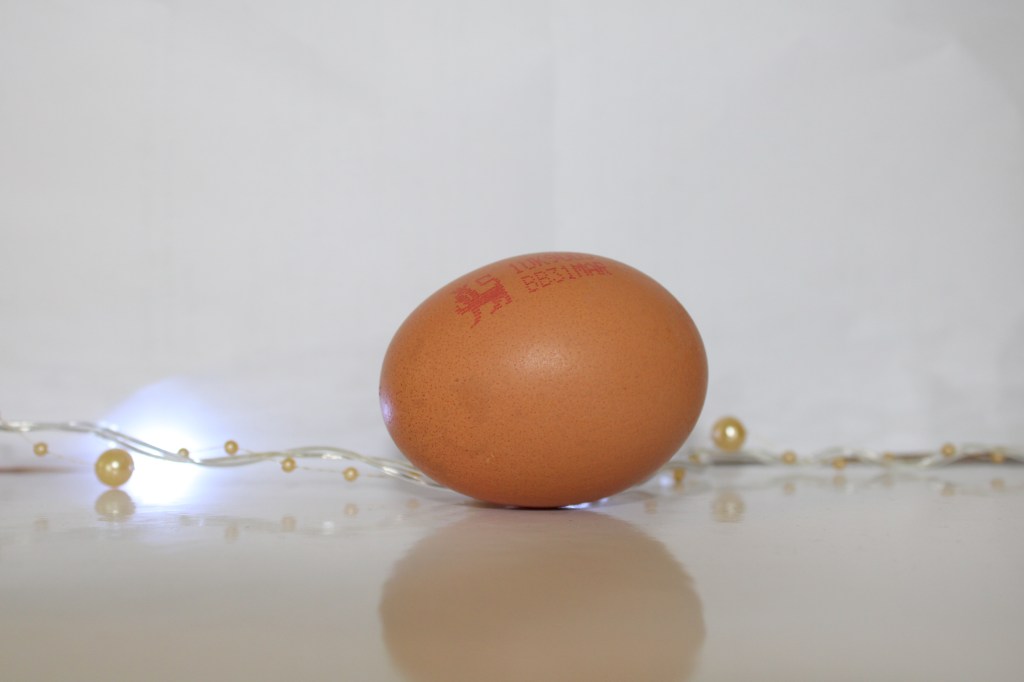
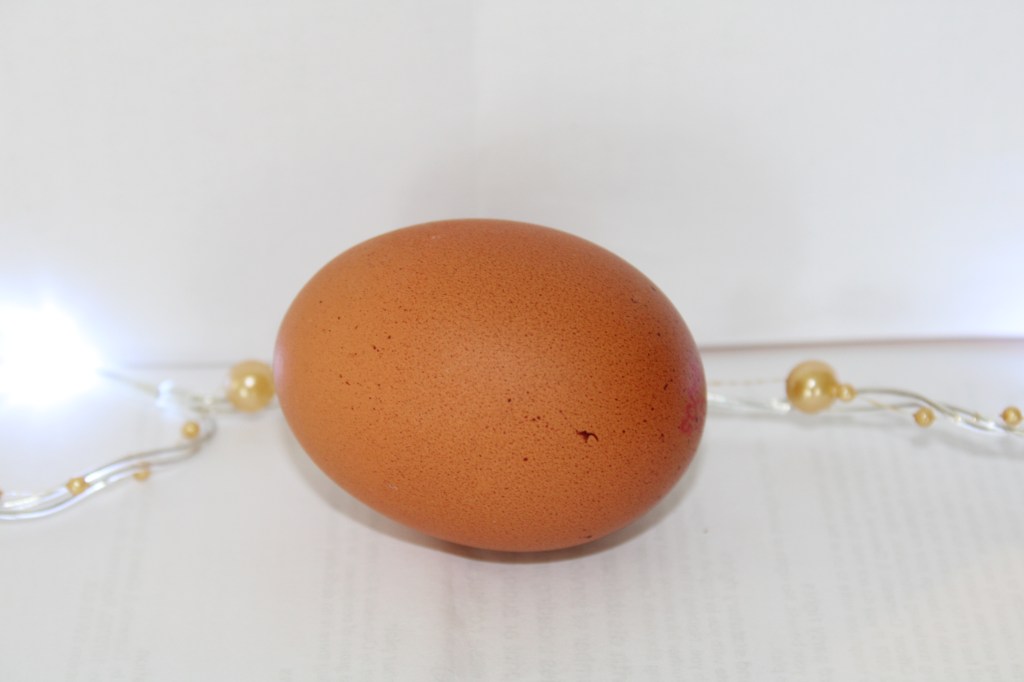
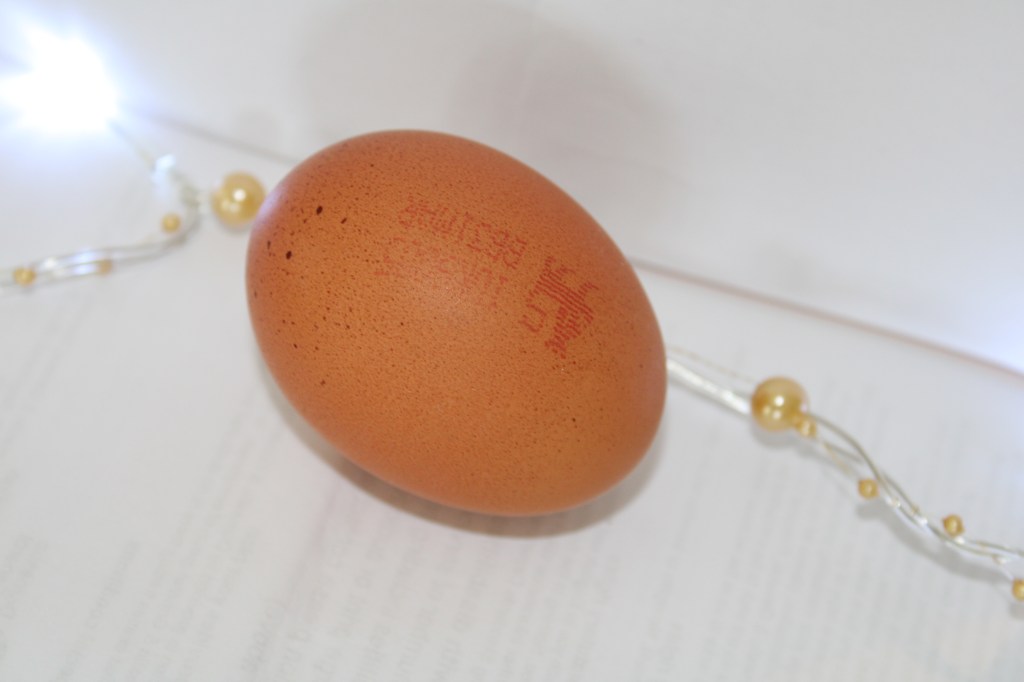
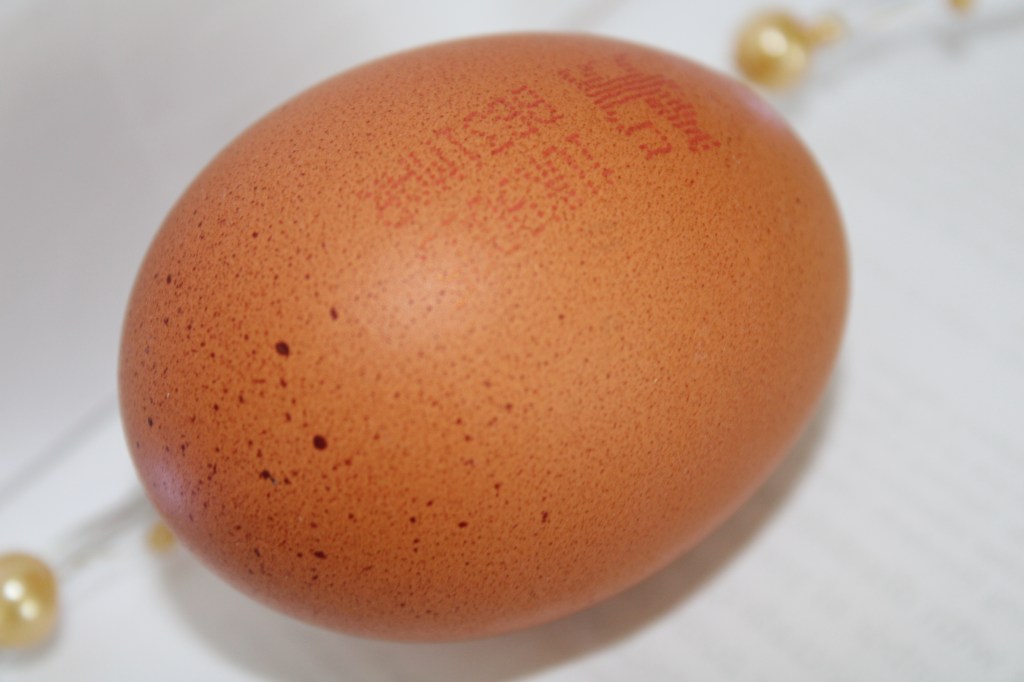
I used longer focal lengths as I felt this captured smaller details that a short focal length might not have captured.
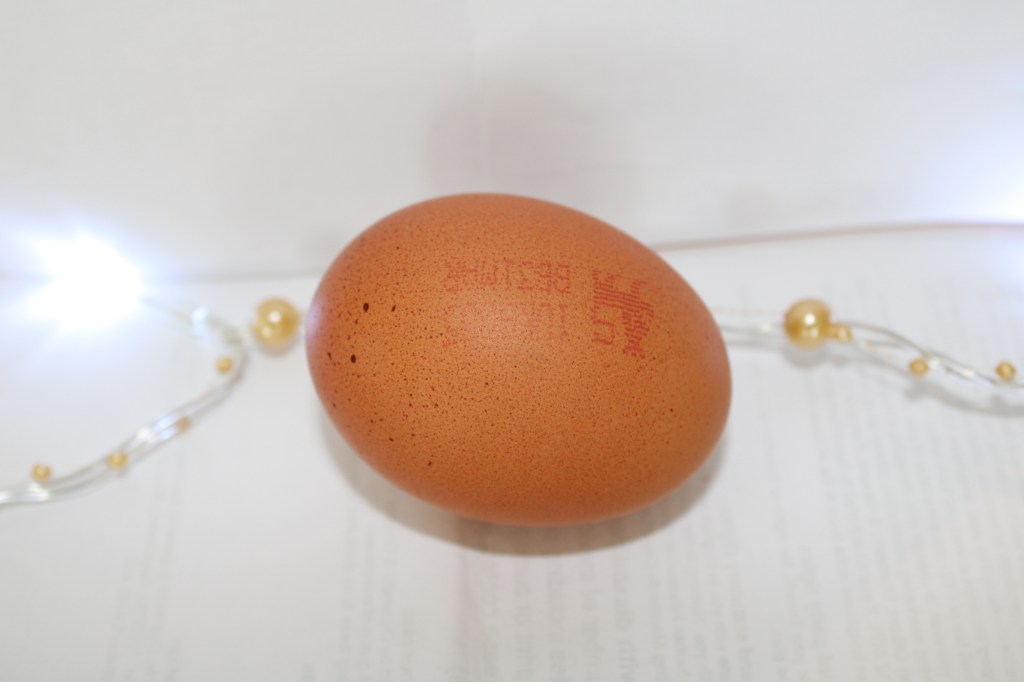
I then had to add a lighting diagram, showing where the lighting was and where the camera was for each shot.
Exercise 4.4 – Personal voice
Brief – Make a Google Images search for ‘landscape’, ‘portrait’ or any ordinary subject such as ‘apple’ or ‘sunset’. Add a screengrab of a representative page and note down the similarities between the images. Take a number of photographs of the same subject. Add a final image together with preparatory shots. Describe how the photographs differ from the Google images.
For this exercise I decided to go with one of the subjects listed in the brief, ‘apple’. Whilst its a very simple and self explanatory subject I think you can look deeper into how they’re portrayed online compared to how we can photograph them.
Firstly I simply did a Google Image search of my chosen subject. Originally the images that were first presented were for the ‘Apple’ company, (as shown below). However I didn’t think this would be a fair comparison as I obviously wouldn’t be able to photograph the same thing, so I focused on the images of the fruit.
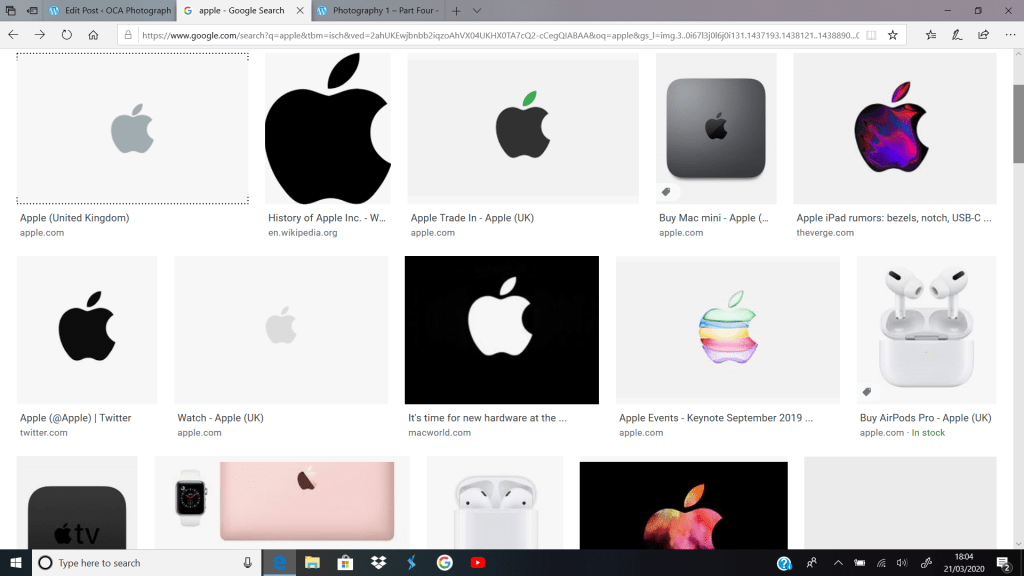
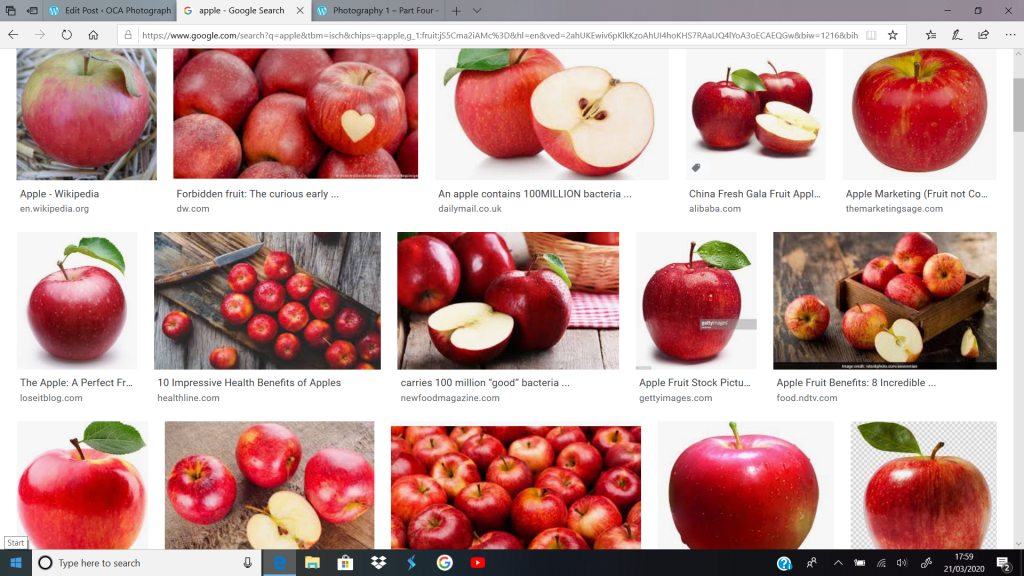
My first thought when seeing the Google search images was that they all seem to be perfectly photographed, as if they were going to be used in a TV advert. No dents or bruises and they were all the perfect colour, some still having the leaves on which is very rarely seen in your household.
I then went ahead and photographed my own, I tried to be a bit more creative with it and show that how they’re portrayed online and on TV is not how they’re portrayed in the real world. For my images I took an old bitten, brown apple, I took some of my images outside in the grass and some in the fruit bowl to compare to the pictures online. It drastically compares to the images online as they were portrayed to be perfect with no dents or bruises.
Final Images
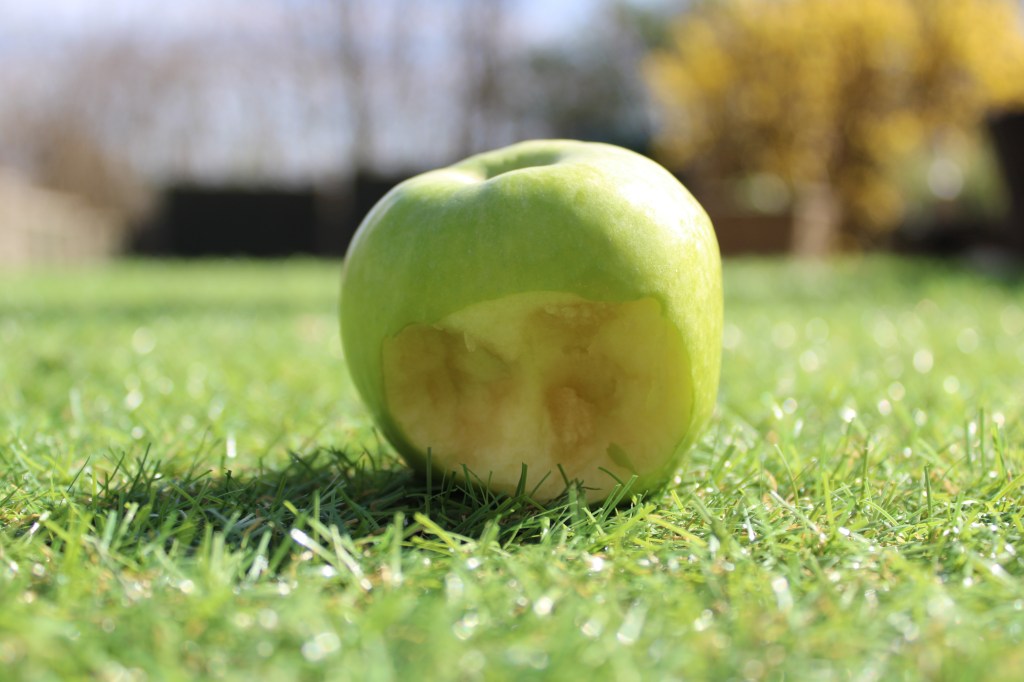
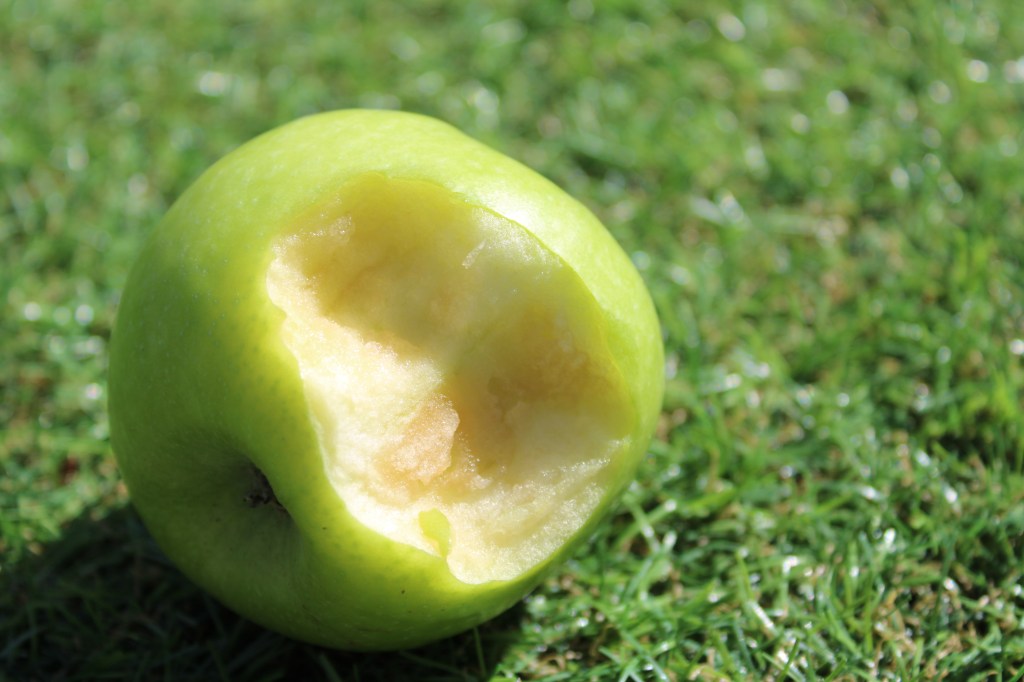
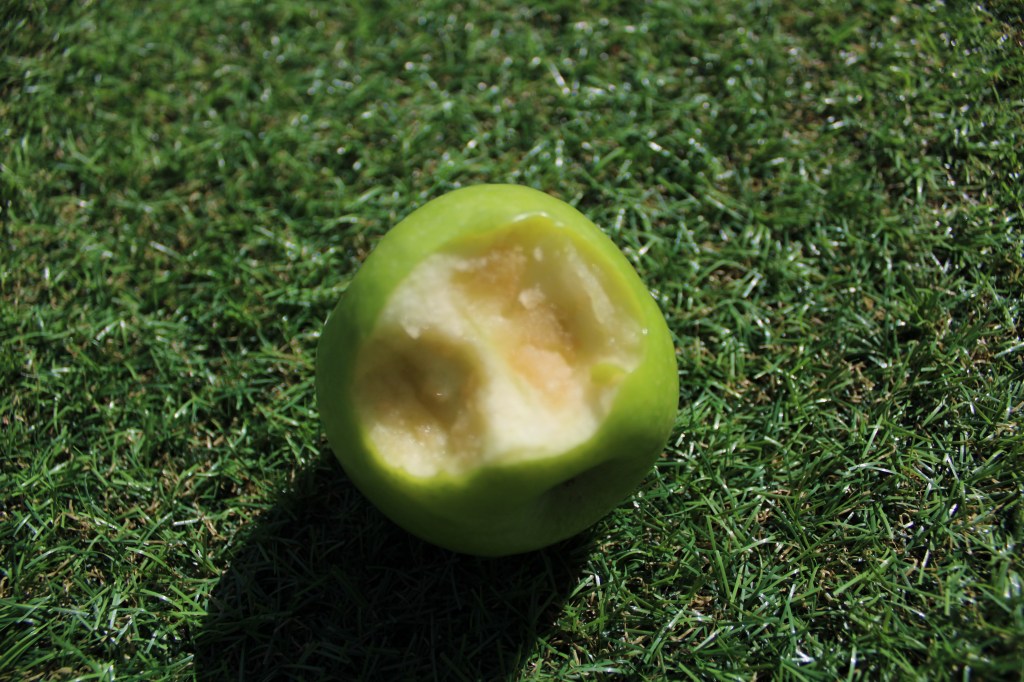
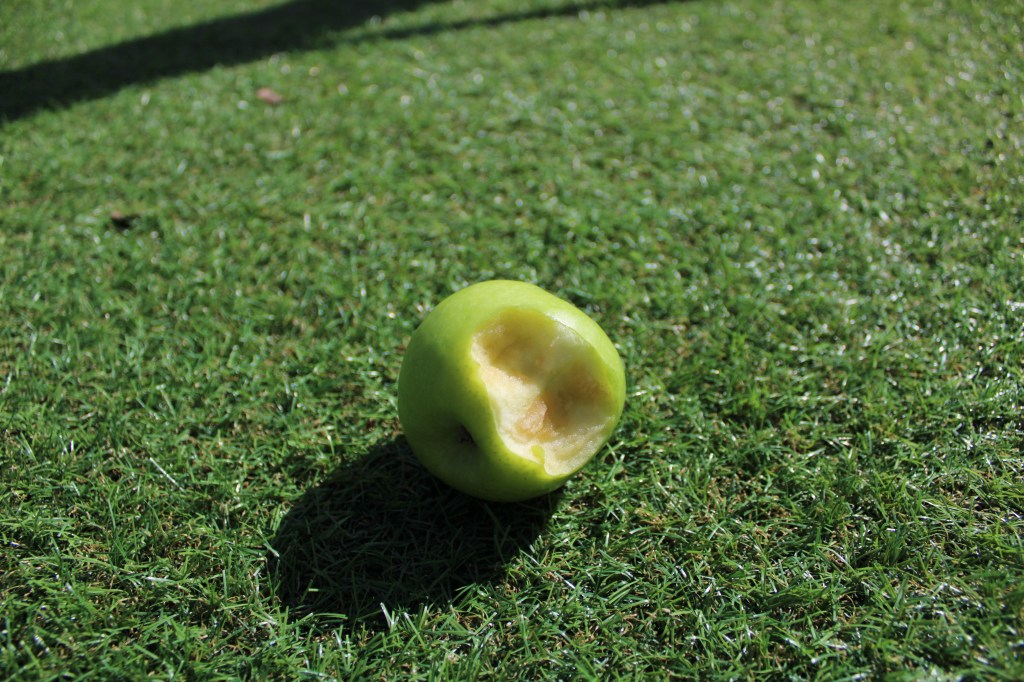
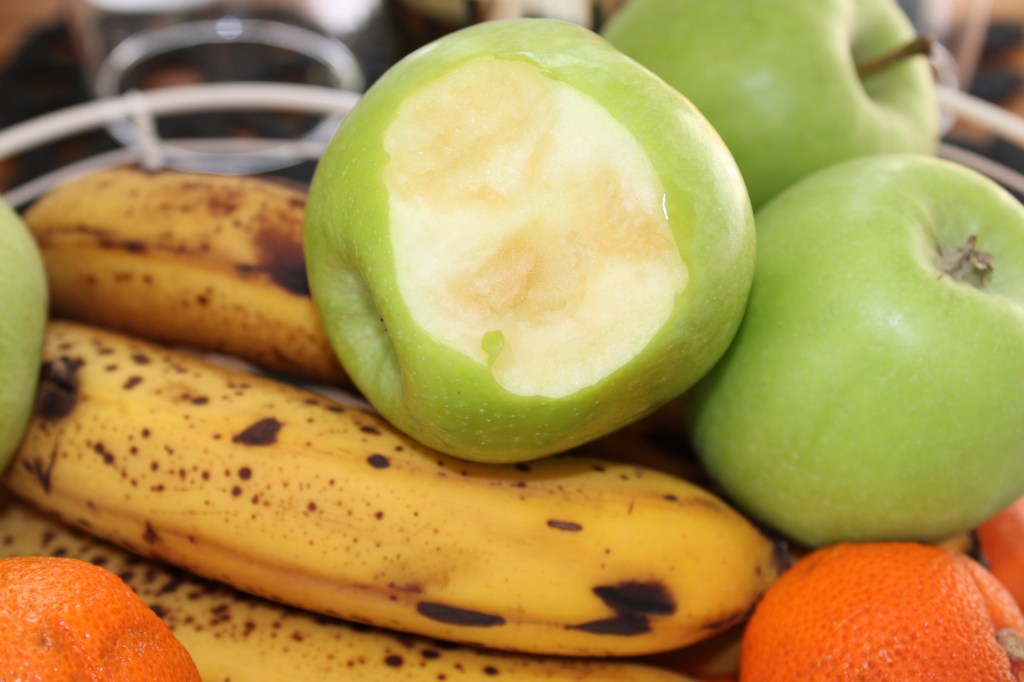
This exercise definitely showed the comparison between real life and how things are portrayed by the media. I enjoyed this task experimenting with the comparison of a simple object and think I carried out the idea of the brief quite well.
 OCA Photography Expressing your Vision